Meet Orders Up: your own bar, ordering from every phone
A menu at your own web address. Guests order from their phones and the order lands on yours. No app to download, nothing to plug in.
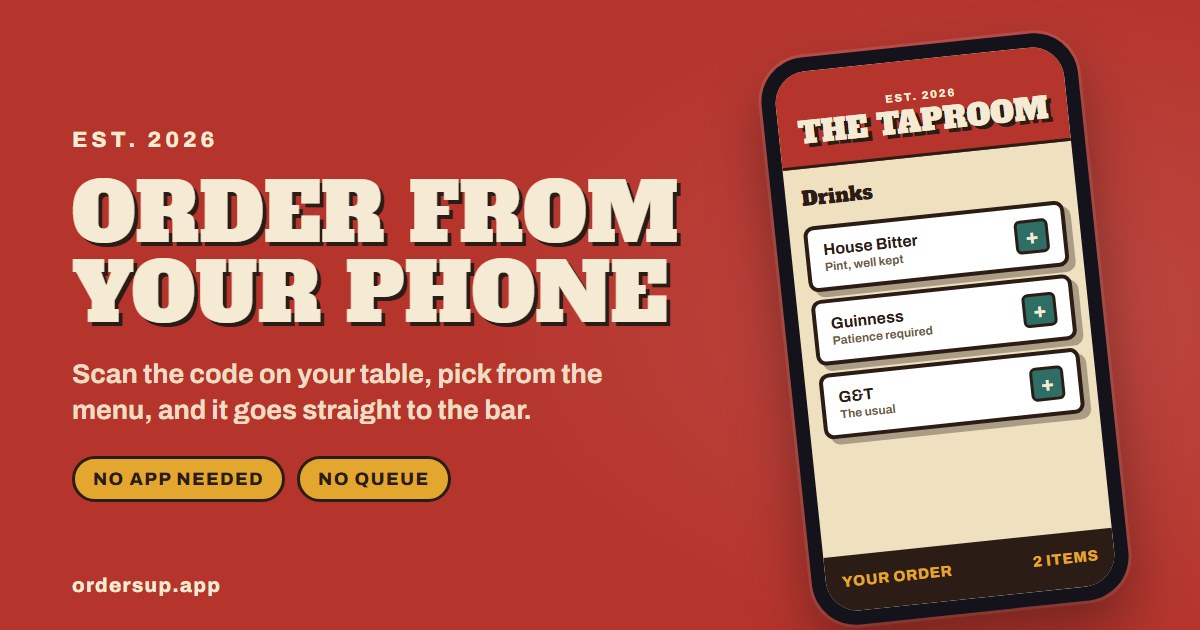
Every bar at home has the same problem. Someone on the sofa wants a gin, someone in the garden wants a beer, and whoever is behind the bar spends the evening shouting “what did you want again?” across the room. Orders Up fixes that. Your bar gets its own menu at its own web address, and everyone orders from the phone already in their pocket.
How it works
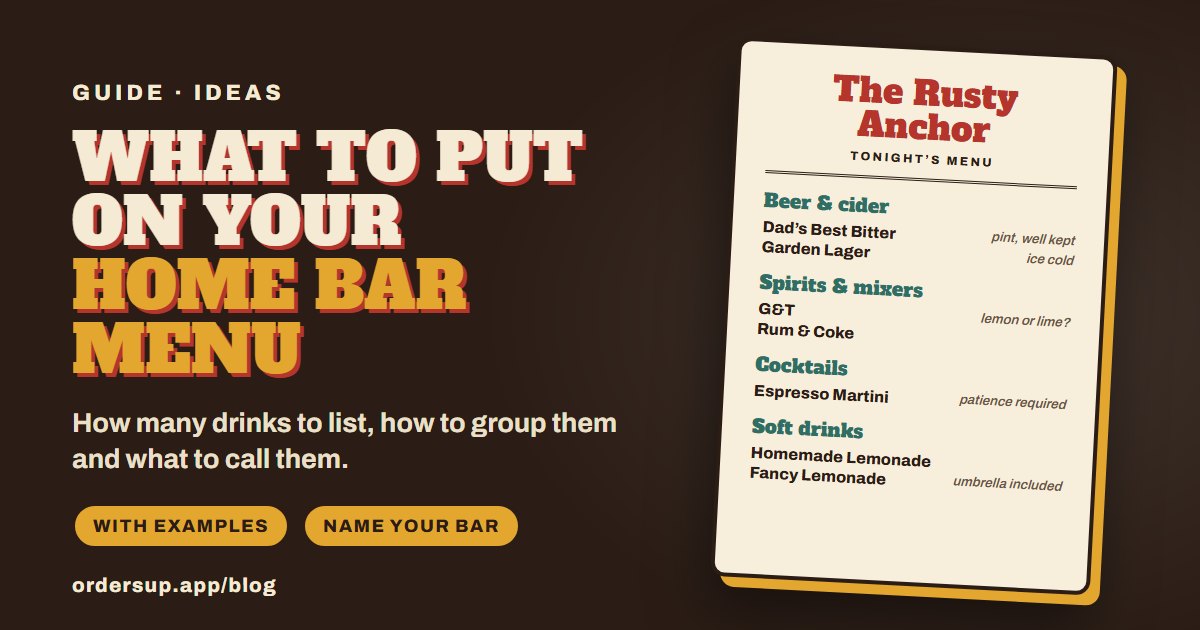
Set up your menu. Add sections like drinks and food, the items in each, and any questions you always get asked, such as pint or half. It takes about ten minutes, and you can change it whenever you like.
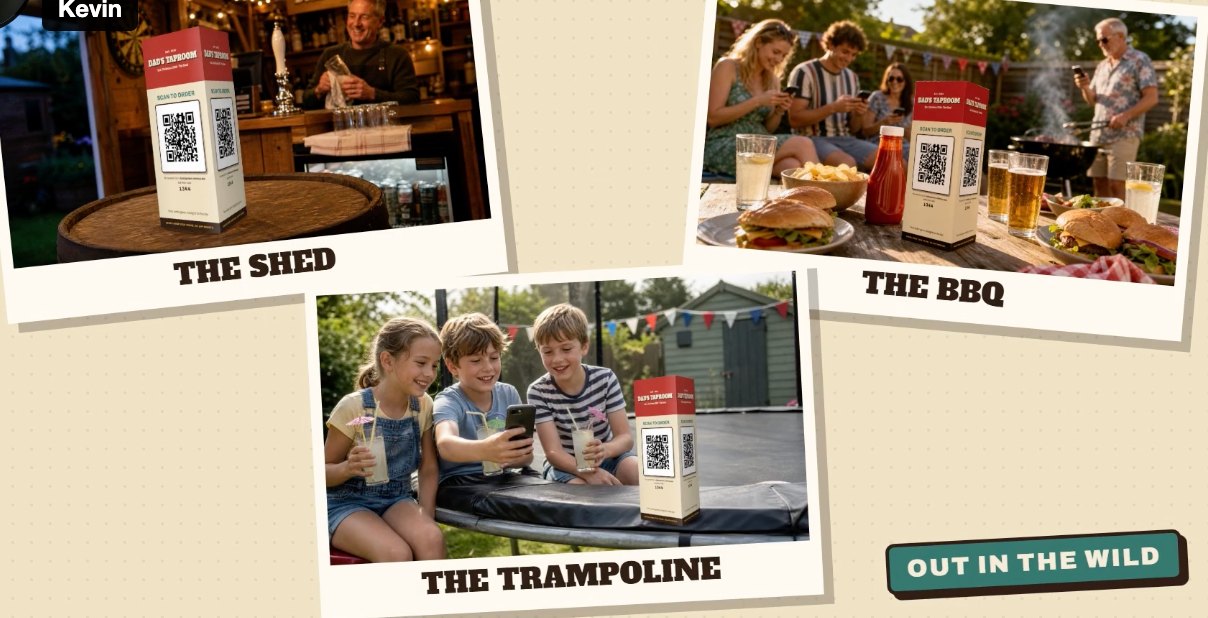
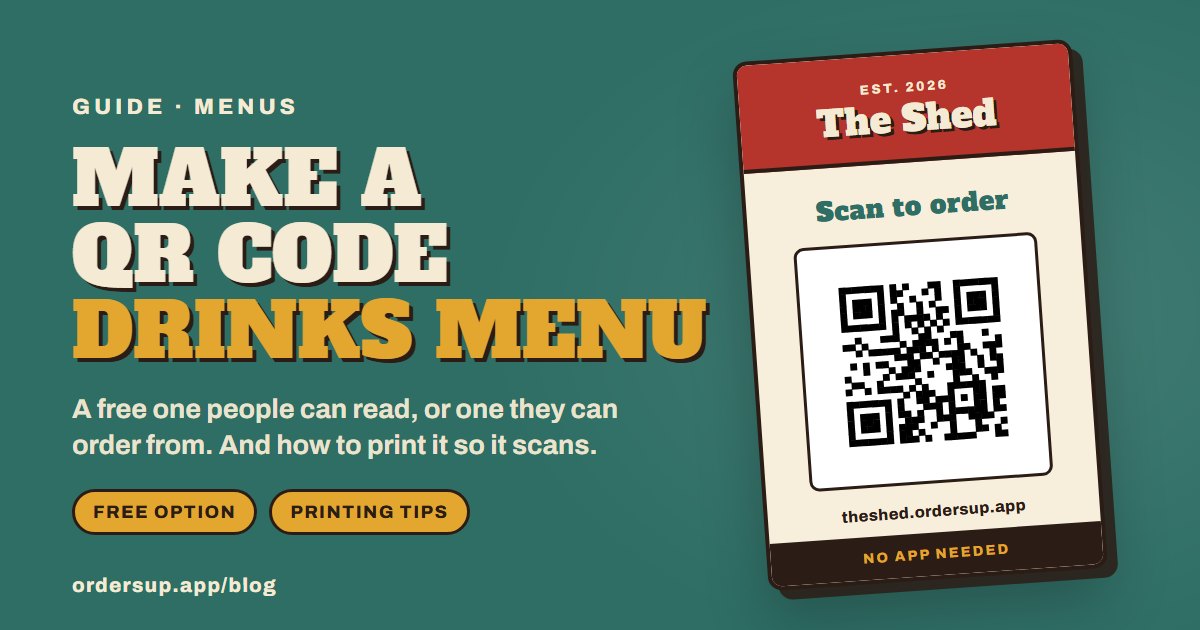
Put the link out. Share your web address in the group chat, or print the table designs with your QR code and stand them where people sit.
Guests order from their phones. They scan the code or tap the link, pick from the menu and say where they are, so you know where to take it. There is nothing to download.
It lands on your phone. Each order appears in your queue as it comes in. Work through them and mark each one as you go, and guests can follow theirs on their own phone.
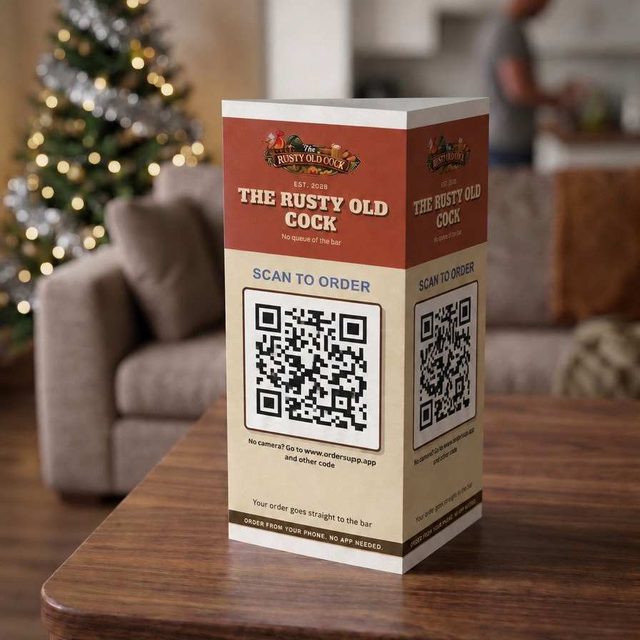
Print it, fold it, stand it on the table
Every pub comes with printable table designs in its own look, carrying its name and its own Scan to order code. Print one, fold it into a stand, and nobody has to ask for the link.
For anyone whose camera won’t play along, the web address and a short code are printed underneath.
Make it look like your bar
Pick from eight looks, from a traditional taproom to a neon cocktail bar, and the whole menu follows: the lettering, the colours, the buttons. Call it whatever you like. Mum’s Bar, The Nag’s Head, Ty Tafarn: your pub, your rules.
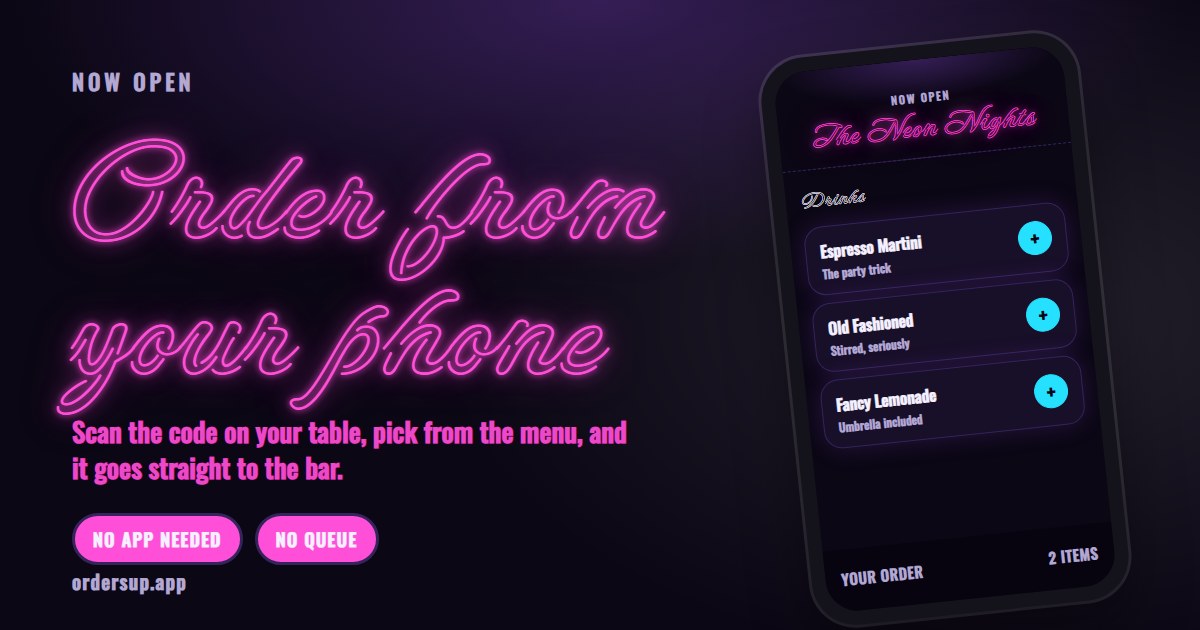
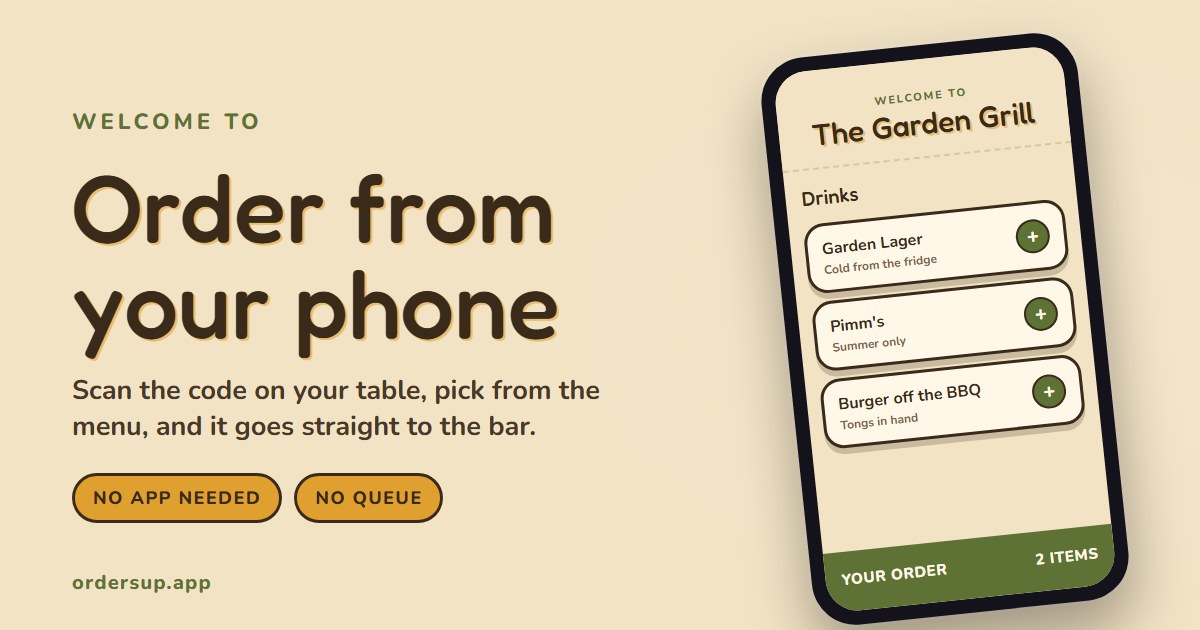
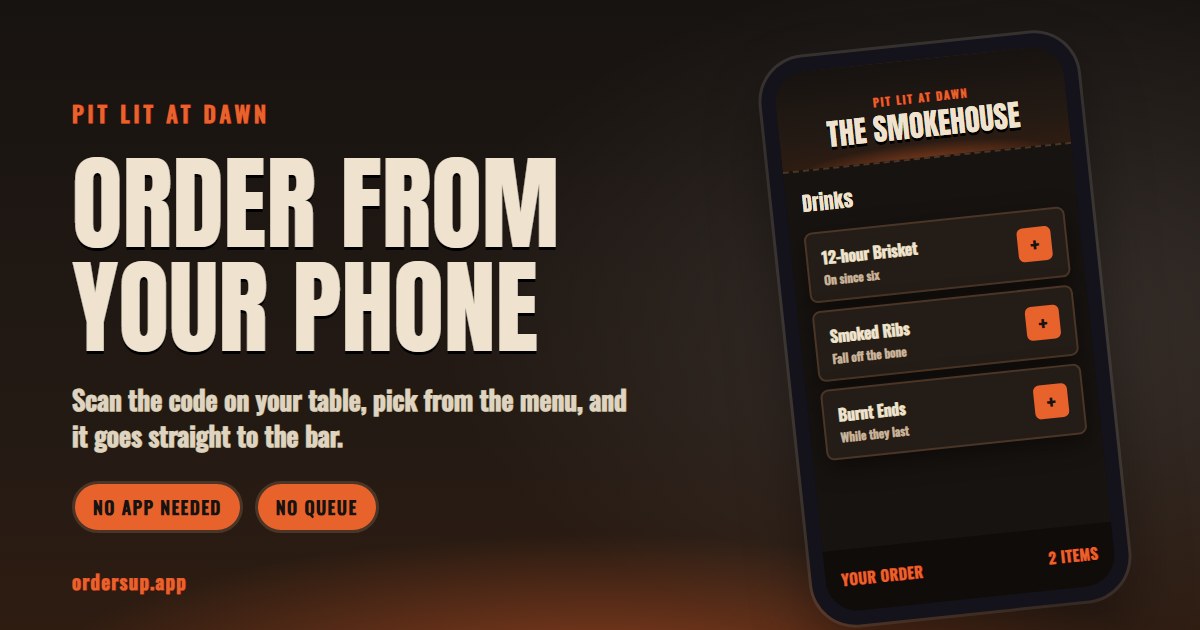
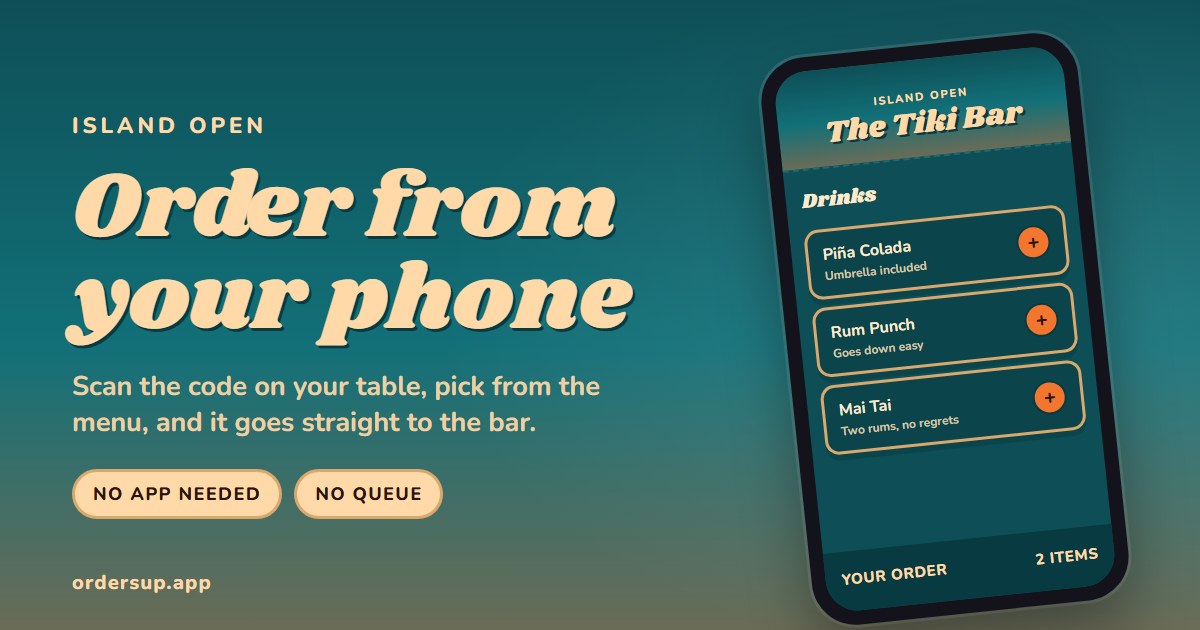
The other four are The Taproom, The Old Boozer, The Pit and The Pizzeria. Not sure which suits? The 30-second style quiz on our front page picks one for you.
Give someone their own pub
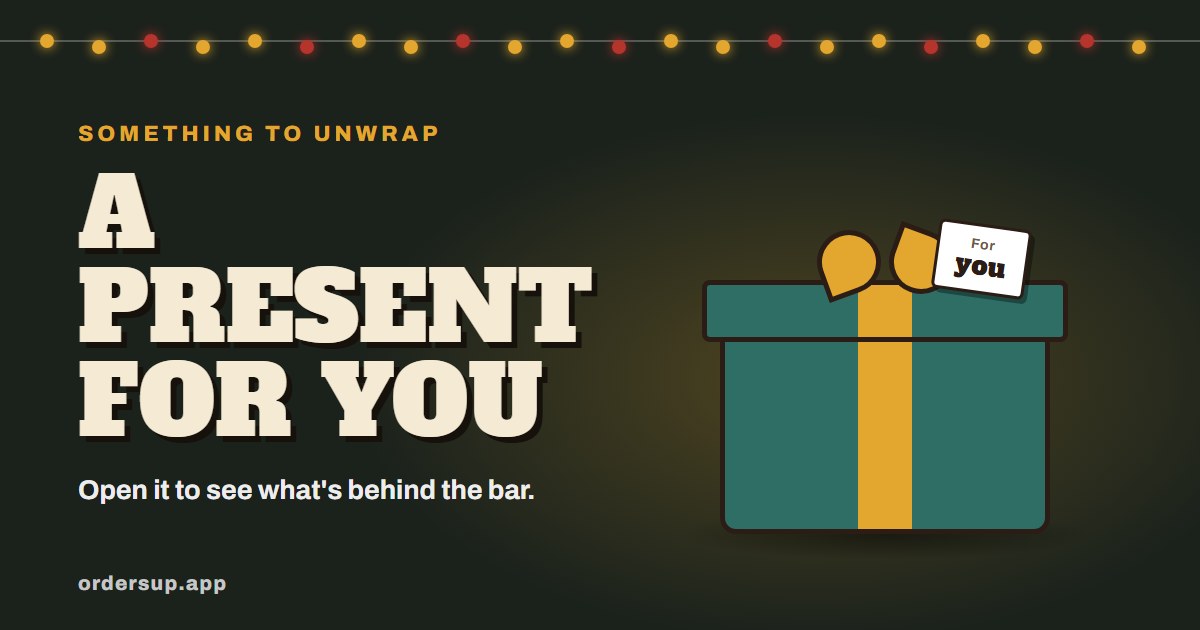
Orders Up makes a good present for the person who is always behind the BBQ or pouring the drinks. Set the pub up in their name, choose the look, and hand it over on the day.
From your dashboard you can make a gift card: a printable card in the pub’s look with a QR code. When they scan it they get a reveal of their new bar, and a code that lets them change the menu and the look themselves. Or email it to them instead, straight away or on a date you choose, like Christmas morning.
They tap. You pour.
Questions we get asked
Do I need any equipment?
No. Any phone or tablet behind the bar does the job. No printer, no till, no hardware.
Do guests have to download an app?
No. They scan the code or tap the link, and the menu opens in the browser they already have.
I’m not great with technology. Will I cope?
If you can read a text message, you can run your pub. Setting up the menu takes about ten minutes, and we guide you through it.
What does it cost?
There is a yearly plan and a monthly one. The current prices are on our front page, and you can cancel any time from your dashboard.
Who is behind Orders Up?
Important Small Things, a small company in Wales.
Ready to open the bar?
Set up your menu tonight and take your first order tomorrow.