How to make a QR code drinks menu for your party
Two ways to do it, a free menu people can read or one they can order from, and the printing details that decide whether the code scans.
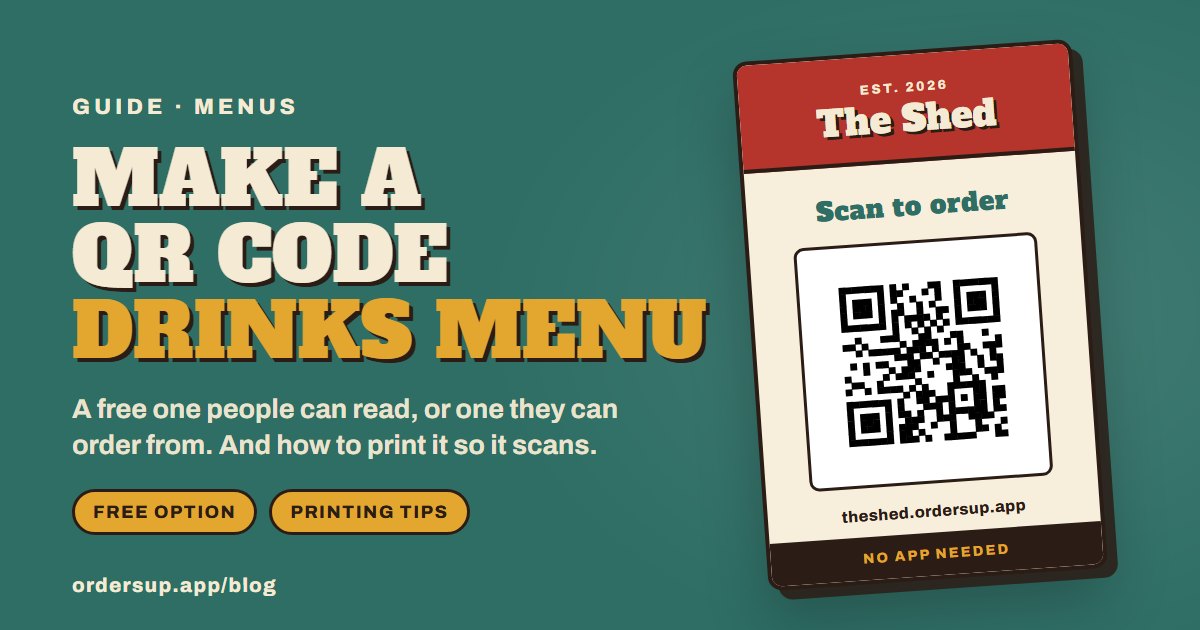
A QR code on the table saves you reading the drinks list out loud forty times. It takes about fifteen minutes to set up, and there are two ways to do it, depending on whether you want people to read the menu or order from it.
Option 1: a menu people can read (free)
This is a PDF or picture of your menu that opens when someone scans the code. There is nothing to sign up for.
Write the menu. Canva, Google Docs or Word all work. Keep it to one page and use a large font, because people will be reading it on a phone.
Put it online. Save it as a PDF and upload it to Google Drive or Dropbox. Set sharing to ‘anyone with the link can view’ and copy the link.
Turn the link into a QR code with any QR code generator. Choose a static code (see below).
Test it on at least two phones, ideally one iPhone and one Android, before you print anything.
The catch is that this is a menu to read, not to order from. People still come and find you to ask for things, and you are back to remembering who wanted what.
Option 2: a menu people can order from
If you want the orders to come to you, the menu needs to be an ordering page rather than a document. That is what Orders Up does. You build the menu once and it lives at its own web address, with its own QR code.
Add your drinks, and food if you are doing any, grouped into sections.
Add the questions you always get asked, like ice or no ice, or pint or half.
Print the table designs. Your code is already on them.
Guests scan, choose, say where they are sitting and send it. The order appears on your phone.
If something runs out, hide it and nobody can order it. You can change the menu halfway through the evening and the code stays the same.
Printing a code that scans first time
When a QR code fails, it is usually because of how it was printed, not how it was made.
Size. At least 3cm across on a table card. A code on a wall needs to be bigger: about a tenth of the distance people will scan it from.
Contrast. A dark code on a light background. Pale or coloured codes often fail on older phones.
Leave the white border. The blank margin round the code is part of it. Do not crop it or butt a frame up against it.
Matt paper. Gloss and laminate catch the light under kitchen spotlights.
Print the web address underneath. There is always one camera that refuses, and a short address saves the day.
Where to put it
Anywhere people sit or stand with a drink: the coffee table, the garden table, the kitchen worktop, the fridge door. A folded table card stands up on its own, and a printed sheet in a cheap photo frame works just as well.
Planning the rest of the evening? See how to run a bar at a house party and what to put on your home bar menu.
Questions people ask
Can I make a QR code menu for free?
Yes. Put a PDF of your menu online, make a static QR code of the link with a free generator and print it. It is view only, so guests still come to you to order.
Why won't my QR code scan?
Usually it is printed too small, the contrast is too low, the white border has been cropped or the paper is glossy. Also check it is not a dynamic code whose trial has ended.
Do guests need an app to scan a QR code?
No. The camera on any recent iPhone or Android phone reads QR codes and opens the link in the browser.
Can I change the menu after printing the QR code?
With a code pointing at a PDF, only by replacing the file at the same link. With an ordering page like Orders Up, you edit the menu whenever you like and the code stays the same.
Put your menu on the table
Build it in about ten minutes and print your code tonight.